6 min read
A sane folder structure for client documents in Google Drive
By The XTK team · Product
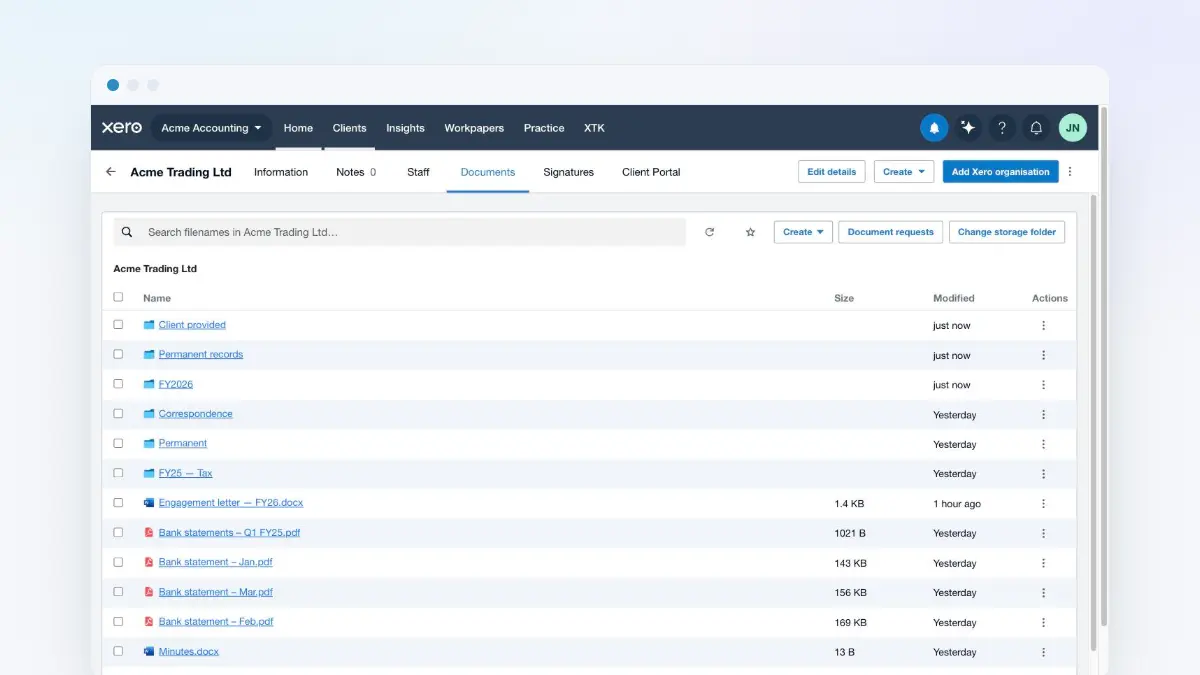
Nobody sets out to build a messy Drive. It happens one shortcut at a time: a file saved to the root “just for now”, a client folder named three different ways by three different people, a year folder that quietly becomes two. (If you are still deciding whether a drive is the right home at all, start there instead.)
Having watched a lot of practices tidy up, we think a document structure survives real workloads only if it has three properties: it's predictable, it's shallow, and nobody has to remember it.
1. Predictable: one folder per client, named by the system
The client folder should be created by software, not by whoever touches the client first. When folder names come from your practice management system, “ACME Trading Ltd” can't also exist as “Acme” and “ACME (new)”. XTK creates each client's folder from the XPM record the first time anyone files a document — same name, same place, every time.
2. Shallow: years and work types, nothing deeper
Every level of nesting is a decision someone has to make while busy. Two levels below the client folder is almost always enough:
- A year folder (2026) for anything tied to a period — accounts, returns, workpapers. It doubles as a retention control, because how long you have to keep each file is only legible from the folder name once everyone involved has left.
- A small set of evergreen folders (Engagement, Identity, Correspondence) for things that outlive any one year.
- No “Misc”. A Misc folder is where structure goes to die.
3. Automatic: filing shouldn't be a skill
The structure that wins is the one nobody can deviate from. When documents arrive through XTK — a signed letter, a portal upload, a generated template — they file themselves into the right client and year. The humans never choose a destination, so the destination is never wrong.
A tidy Drive isn't a discipline problem. It's a tooling problem wearing a discipline costume.
![Placeholders resolving against a client record: [CLIENT:NAME] filling as ACME Trading Ltd, a postal address, the primary contact's name, a custom GST period field and today's date — with a note that a primary-contact placeholder resolves to nothing if no contact is flagged primary in Practice Manager](/images/blog/stop-retyping-client-data/nextImageExportOptimizer/thumb-opt-1600.WEBP)