5 min read
Client portals your clients will actually use
By The XTK team · Product
Ask a practice why they stopped using their last client portal and you'll rarely hear about missing features. You'll hear that clients wouldn't log in. The documents went back to email within a month, and the portal became a line item on an invoice nobody wanted to look at.
Portals fail at the front door
A client interacts with your portal a handful of times a year. They will not remember a password they created in February. Every recovery email, every “verify your device”, every app download is a reason to reply to your email with a photo of a bank statement instead.
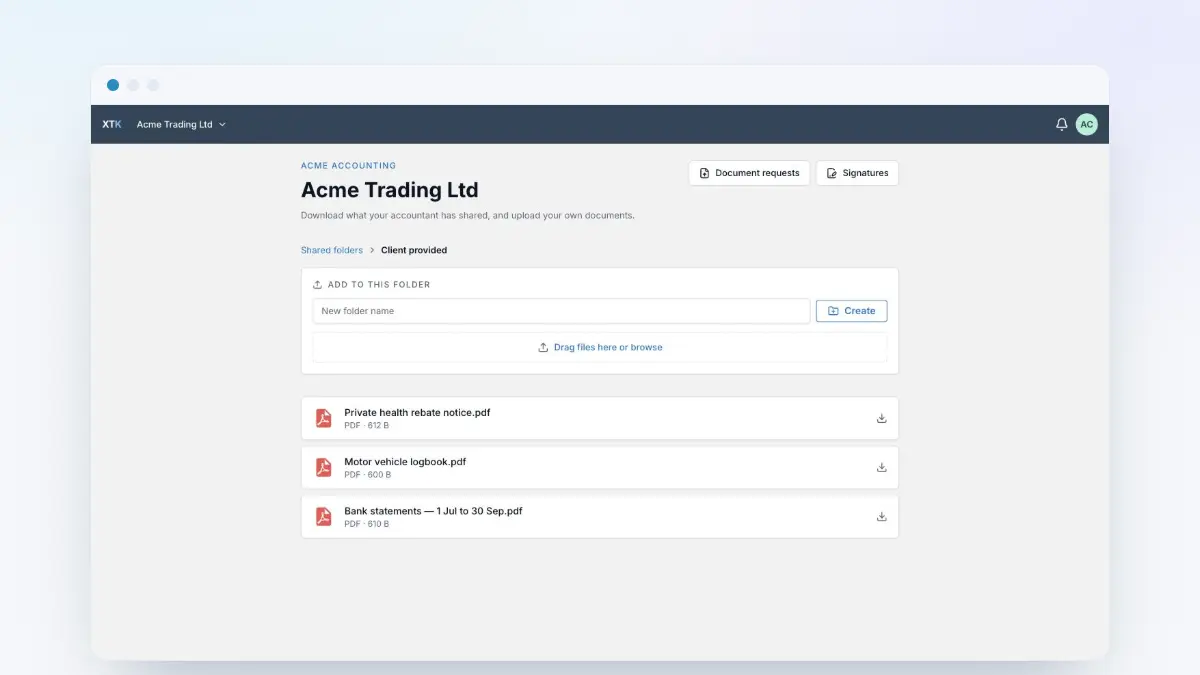
That's why XTK's portal works from a secure link. The client clicks through from your request, proves they own their email address, and they're in — on a phone, at a kitchen table, with no password to forget.
Ask for things, not for visits
The second failure mode is treating the portal as a place clients should check. They won't, and they shouldn't have to. The portal earns its keep when every visit is prompted by a specific, concrete request:
- “Upload your November bank statements” beats “please upload your records”.
- One request with five named items beats five emails with one item each.
- A visible checklist — three of five received — lets clients feel progress and lets you stop chasing what's already arrived.
Close the loop automatically
When a client uploads to an XTK request, the file lands in their Drive folder, the checklist ticks itself, and the team sees it from the client record in Practice Manager. Nobody forwards attachments. Nobody saves-as. The portal isn't a destination — it's a doorway that files things.