4 min read
Stop retyping client data: templates that fill themselves
By The XTK team · Product
![Placeholders resolving against a client record: [CLIENT:NAME] filling as ACME Trading Ltd, a postal address, the primary contact's name, a custom GST period field and today's date — with a note that a primary-contact placeholder resolves to nothing if no contact is flagged primary in Practice Manager](/images/blog/stop-retyping-client-data/nextImageExportOptimizer/thumb-opt-1600.WEBP)
Count the places a single client's legal name gets typed in a year: the engagement letter, the ethical letter, the annual questionnaire, the minutes, the cover letters. Now multiply by your client list. It's hours of work, and — worse — every keystroke is a chance for “Ltd” to become “Limited” on a legal document.
The data already exists
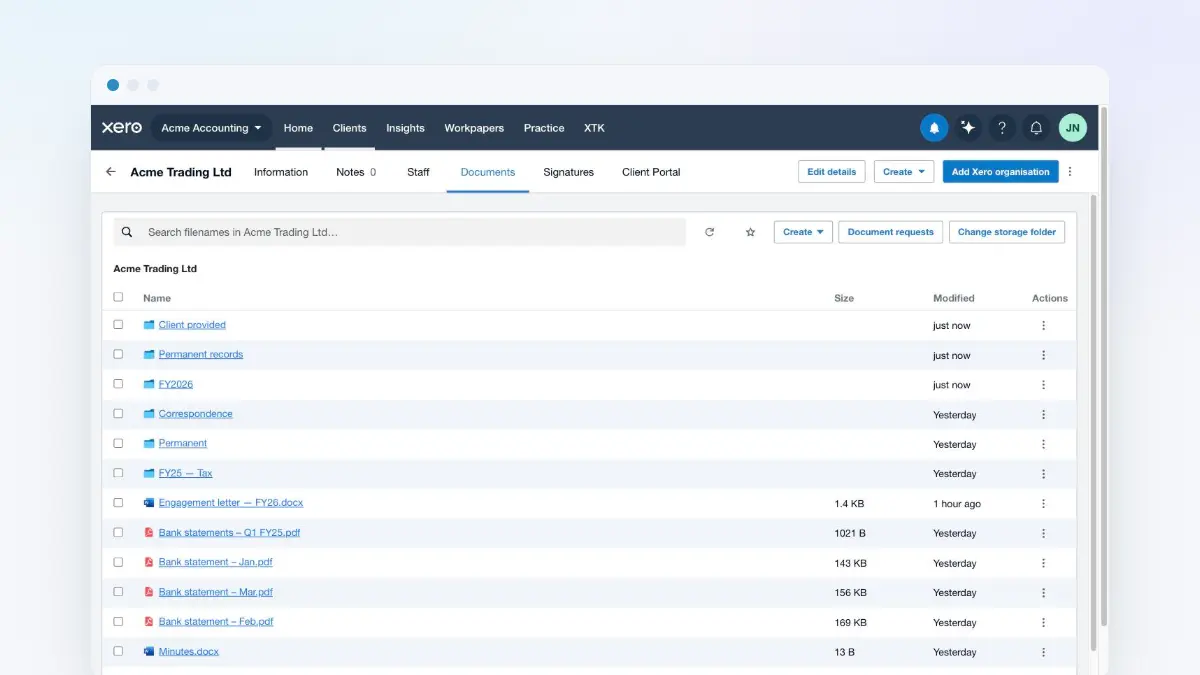
Practice Manager already holds the client's legal name, trading name, addresses, contacts, and entity details. The only reason anyone retypes them is that Word can't see XPM. XTK's templates can.
You write the document once, dropping placeholders where client data belongs — the client's name, a postal address, the primary contact's first name. When someone generates the document from a client record, XTK fills every placeholder from XPM and files the result in the client's folder.
Where it compounds
- Annual runs: generate this year's engagement letter for a whole client list, each one personalised, in minutes.
- Consistency: the letterhead, the wording and the entity details are right on every document, because nobody edits them by hand.
- Onboarding: new staff produce partner-quality documents on day one — the template carries the practice's standards for them.
Automation isn't about speed first. It's about the version of the document that never gets the client's name wrong.
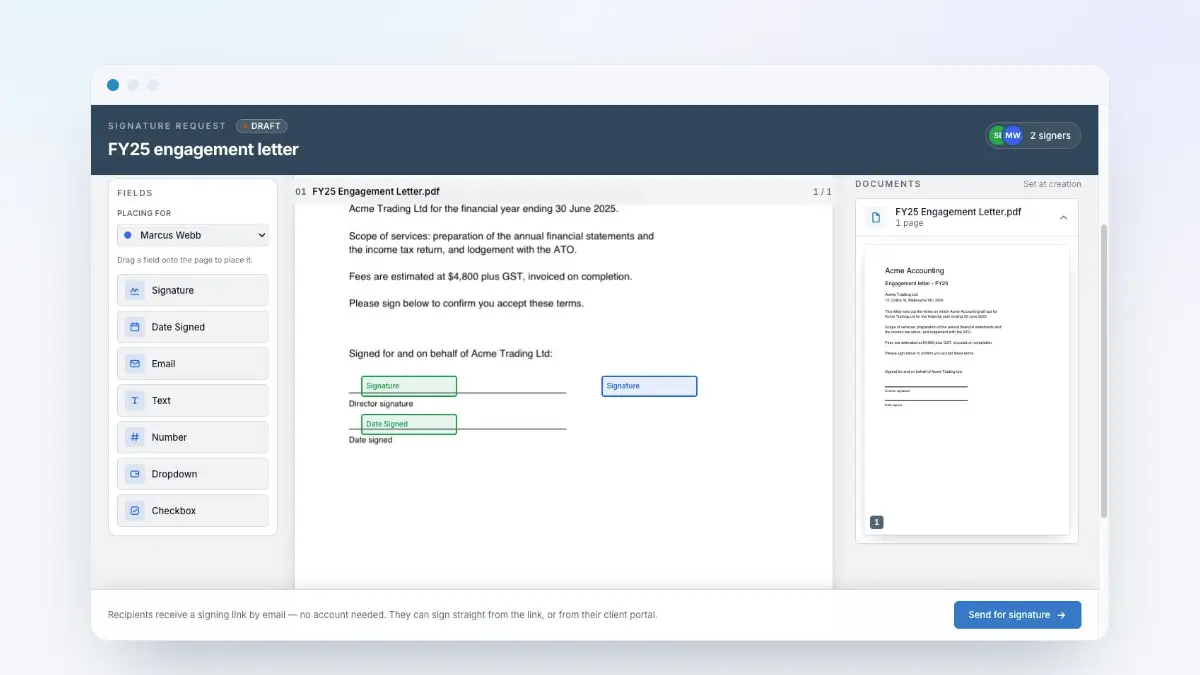
Pair templates with e-signatures and the whole chain collapses into one motion: generate from the client record, send for signing, and watch the signed copy file itself. The only typing left is the parts that genuinely need a human.