10 min read
Signed and back: who hears about it, and who deals with it
By The XTK team · Product
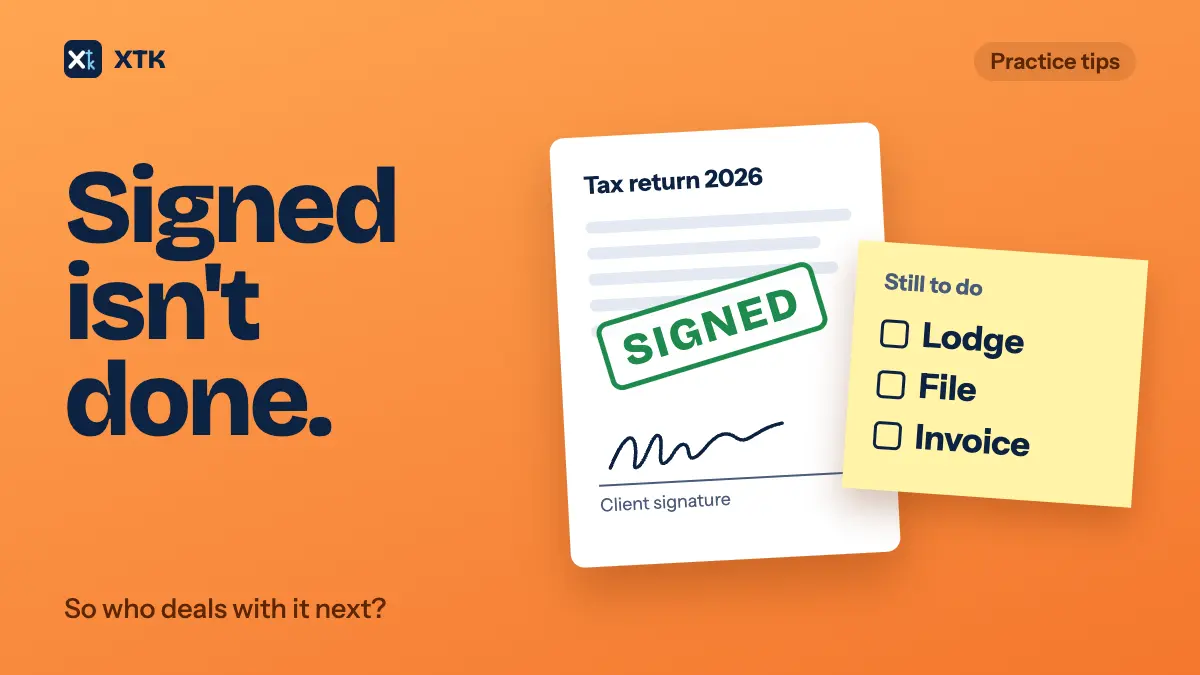
When a client signs and returns documents, the job isn't finished. Someone still has to lodge the return, file the signed copy or send the invoice. Whether that happens on time depends on two things: who is told the documents are back, and whether the practice can see which signed documents have been dealt with. Send the notice to a role, not to whoever happened to send the pack, and keep one shared list of what is back but not yet done.
This article covers why signed Xero document packs get stuck, what the next step is for the documents practices send most, how to get the notice to the right people, and how to keep the list.
Why do signed document packs sit there?
Because the notice goes to one person. Xero's own announcement of e-signing in Australia says that “you get an email notification as soon as a document is signed”, and the “you” is whoever sent the pack. The Xero Product Ideas idea Document pack – Select email to receive notification for signed pack has asked since July 2022 for that notice to go to an address the practice chooses. It had 22 votes when we read it on 9 October 2026 and is marked Submitted.
The comments describe what happens without it. When the person who sent the pack is away, nobody hears that the client has signed. Staff who use Xero with a personal email address get the notices in a personal inbox and forward them on. One practice forwards every signed return to its tax team by hand. Several want one central admin address to receive them all.
A second idea, Document Packs – Archive once Completed, had 21 votes the same day, is also Submitted, and was last commented on in February 2026. It is about what happens after the notice. A completed pack can't be marked as dealt with, so the admin team can't tell which signed packs have been downloaded and filed and which haven't. Commenters say returned packs get missed when staff leave or go on holiday. One says that when a pack waits on the last of several signers, the returns of the people who have signed are held up as well.
These are two halves of one problem. The notice that a document is back goes to one person, and whether it has been dealt with is recorded only in that person's head.
Signed is not the same as done
A signature starts the next step. Each kind of document has its own next step, and often a different person does it. Writing that down is what turns “signed” into a piece of work somebody owns.
| Document | Next step once signed | Usually done by |
|---|---|---|
| Tax return | Lodge it, then file the lodgment confirmation | The preparer or lodgment admin |
| Financial statements | File the signed set and send copies to anyone who needs them | The accountant on the job |
| Engagement letter | File it and set up the job and billing | Admin or the partner |
| Minutes or resolutions | File them in the client's permanent folder | Admin |
| Authority or consent form | Act on it, then file it | Whoever asked for it |
Decide the next step when you send, not when the documents come back. One line on the job, such as “when signed: lodge, then file the confirmation”, means whoever picks it up doesn't need to ask the person who sent it. That line matters most when that person is the one on leave.
Who should be told when documents come back?
A role, not a person. The person who sent the pack may well do the next step, but the practice should still find out if they're away. Here are four ways to arrange it, from most to least reliable.
- If your signing tool lets you choose who is notified, or lets you send from a shared practice mailbox, point the notices at an address several people watch, such as admin@ or tax@.
- If notices only go to the sender, add a rule in each sender's mailbox that forwards them to the shared address. Gmail filters and Outlook rules both do this. The weakness is that the rule lives in one person's mailbox, so put it on the new starter checklist and check it when someone leaves.
- Have a named person check the signing tool's own list of requests on fixed days. The list is the real state of each request. An email is only a prompt, and prompts get missed.
- Before anyone goes on leave, list their requests that are still waiting for a signature and agree who picks up each one when it comes back.
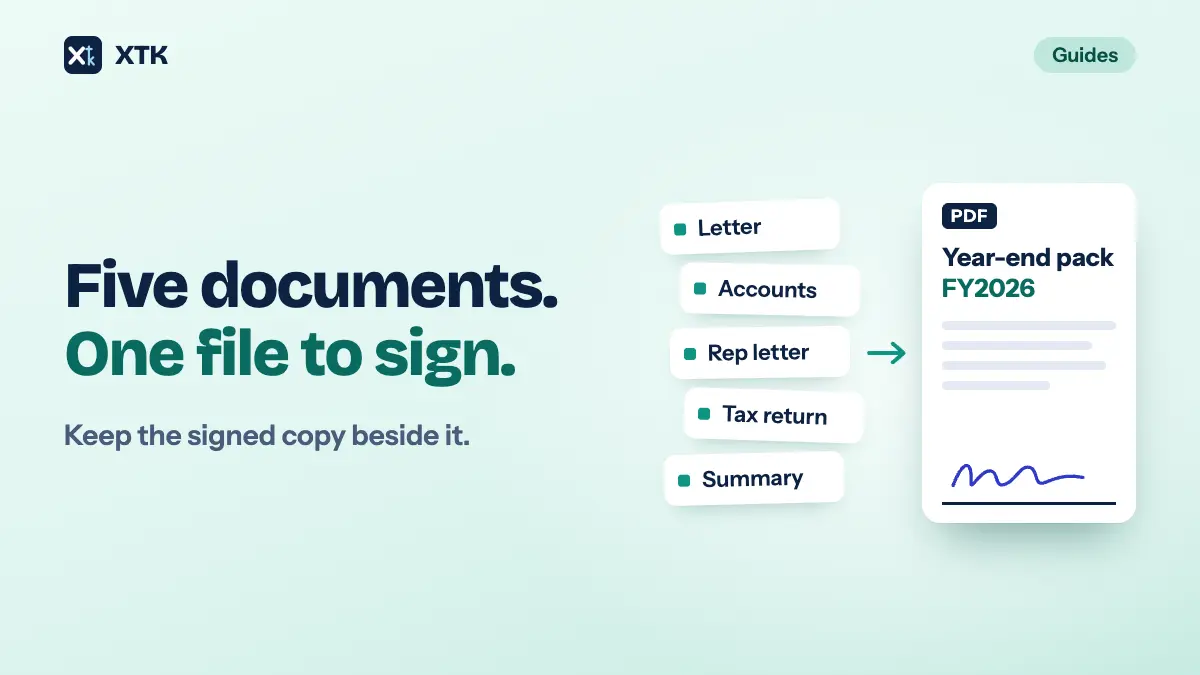
Whichever you choose, the notice should also say where the signed copy is. A signed PDF that has to be found in an email attachment and saved by hand is one more step for someone to forget. Our article on building a year-end pack covers filing the signed copy beside the documents it was signed from.
Keep a list of what's back but not done
The second half of the problem needs a list everyone can see: documents that have come back signed and whose next step hasn't happened yet. It doesn't need special software. It needs one agreed place and a rule about when an item comes off it.
- Use the job in Xero Practice Manager where you can. Move it to a job state such as “Signed – to lodge”, or add a task for the next step, so the list is the practice's job list filtered by that state.
- If a document has no job, keep a short shared list with the client, the document, the date it came back and the next step.
- An item comes off the list when the next step is done (lodged, filed or invoiced), not when someone downloads the PDF or reads the email.
- Give the list an owner who looks at it on set days, and add it to whatever you already check at the start of the week.
Put partly signed requests on the same list. A pack that two of three trustees have signed is neither out nor back. Note who is still to sign and a date to chase them, so it doesn't sit as “sent” until someone notices.
When a request needs a fresh link or a correction, our article on fixing a signature request after it's sent covers resending and voiding. And for proof of what the client was sent and when, see keeping a record of what you sent.
How does XTK tell the practice a document is signed?
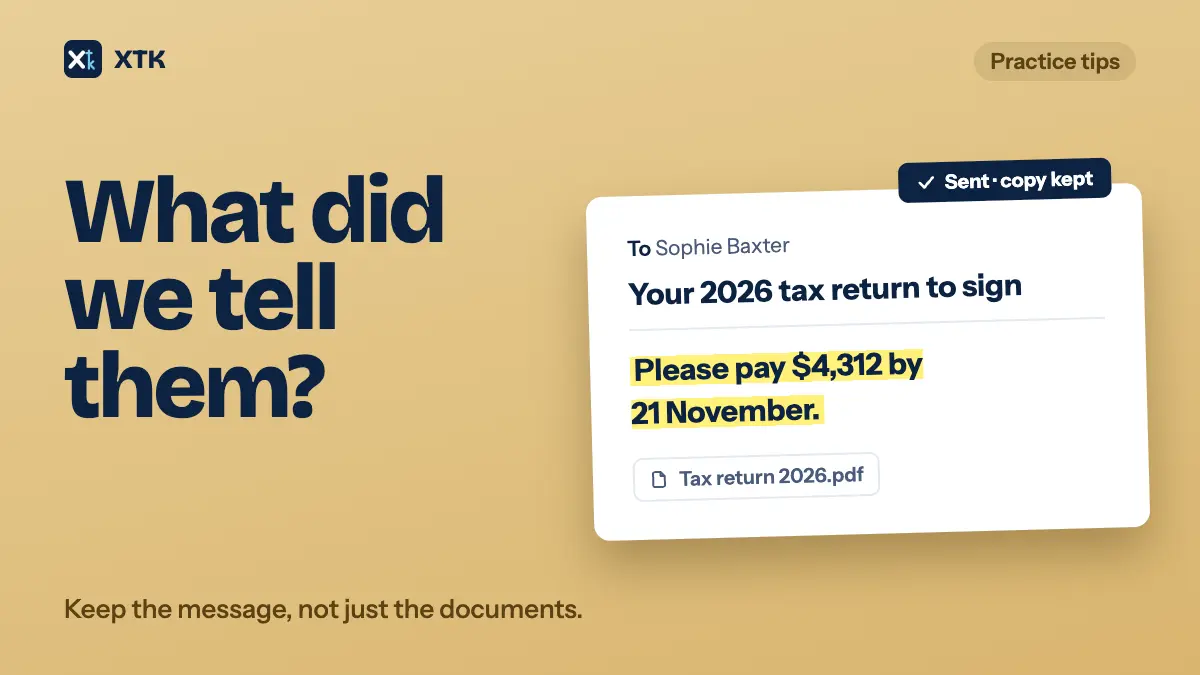
XTK is a browser extension that adds a Documents tab to each client in Practice Manager, where you can send documents for e-signature. When the last signer finishes, XTK produces a signed copy named after the original, for example “Tax return 2026 (signed).pdf”, with a Certificate of Completion on the last page. It saves that copy in the client's folder, beside the original or in a folder you chose when sending. The original isn't changed. So the filing step happens without anyone having to remember it.
- XTK's notification bell in Practice Manager shows a line such as “Tax return 2026 for Bluegum Landscaping Pty Ltd is fully signed”. You can also be told when each signer signs and when someone declines.
- Each person chooses whose activity their bell shows: “Practice” for the whole team's, or “Mine” for requests they created. The setting is under My Account, Notifications. Changing it also changes what you see for notifications already received, so someone covering for a colleague on leave can switch to Practice and see the requests that have already come back.
- Desktop notifications can be turned on for when no Practice Manager tab is open.
- Each client's Signatures tab lists their requests with a Status and a Progress column, such as “2 of 3 signed”. A Completed filter shows the finished ones, and a completed request's details have an “Open containing folder” button.
In practice: set the bell to Practice for whoever is responsible for lodging and filing, and keep the “back but not done” list in Practice Manager's job states, where the whole team already looks.
The short version
- A signature starts the next step: lodge, file or invoice. Write that step on the job when you send.
- Send the “it's signed” notice to a role, not just to the person who sent the pack.
- If your tool only tells the sender, forward the notices to a shared address with a mailbox rule.
- Check the signing tool's list on set days. Don't rely on the email alone.
- Keep one list of what is back but not done, and take items off only when the next step is done.
- Put partly signed requests on that list with who is still to sign and a date to chase.
- Before anyone goes on leave, agree who picks up each request they still have out.
Frequently asked questions
Who gets notified when a Xero document pack is signed?
Xero says you get an email as soon as a document is signed, and practices report that it goes to the person who sent the pack. They also report there is no setting to send it to another address: the idea asking for one had 22 votes on 9 October 2026 and is marked Submitted. Practices work around it by forwarding the notices with a mailbox rule.
Can I mark a completed document pack as dealt with in Xero?
Not according to practices on Xero Product Ideas. The idea asking to archive completed packs had 21 votes on 9 October 2026 and is marked Submitted. Most practices track the next step on the job in Xero Practice Manager instead, for example with a job state such as “Signed – to lodge”.
What should happen after a client signs their tax return?
Signing starts the next step: lodge the return, file the lodgment confirmation and the signed copy in the client's folder, and invoice if billing waits on lodgment. Write that step on the job when you send, so whoever picks it up doesn't need the person who sent it.
How do we make sure signed documents aren't missed when someone is on leave?
Send the signed notices to a shared address or a role rather than one person, have someone check the signing tool's list of requests on set days, and before anyone goes on leave, agree who picks up each of their requests that is still waiting for a signature.