11 min read
Sent to the wrong address? How to fix a signature request after it's gone
By The XTK team · Product
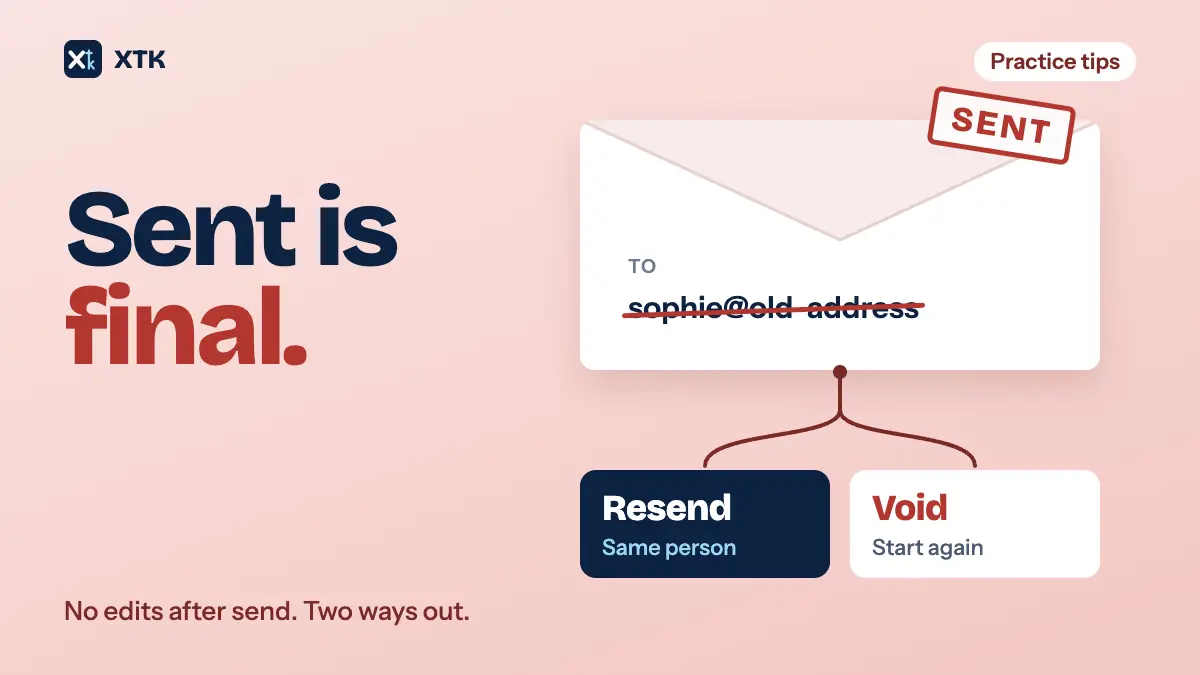
You can't edit a signature request once it has been sent. That is true of Xero's document packs and it is true of XTK. So there are only two fixes. If the right person simply hasn't got it, send them the link again. If anything on the request is wrong, whether the address, the signer or a document, cancel it and send a new one, and tell the client before the cancellation email reaches them. Most of the cost of a mistake is decided before you press send, by how you build the request.
This article covers the mistakes practices actually make, the cheapest correction for each one, what to say to the client, and the few minutes of checking and structure that make the next mistake cheaper to fix.
Can you edit a signature request after it's sent?
No. Practices have been asking Xero for it since April 2022. The idea Document Packs – Edit sent pack had 127 votes when we read it on 30 September 2026. It is marked Accepted, but Xero's reply on 13 March 2026 says that editing sent packs is not on the immediate roadmap. So plan on the limit staying.
The comments describe the same few situations again and again. The client wants the pack sent to a different address, often because the one on file isn't the one they use to sign in to Xero. An address was mistyped. A signatory was missed, or the wrong one added, Dad instead of Mum. A document was left out, or the client reviewed a return and asked for a change. Every one of those ends the same way: cancel the pack, rebuild it and send it again.
The limit exists for a reason. A signature is evidence that a named person agreed to a particular document, sent to a particular address. If the documents or the signers could be changed after some people had signed, nobody could say for certain what each signer saw. Locking the request at send time is what keeps the audit trail honest, and that is why no tool lets you change who signs or what they sign without starting again.
Which mistake is it? Match the fix to the problem
Before you cancel anything, work out which kind of problem you have. Some of them don't need a cancellation at all.
| What went wrong | The fix | Who hears |
|---|---|---|
| Email lost or in junk | Resend the link | That signer |
| Link expired | Resend the link | That signer |
| Right person, wrong address | Cancel, send new | Everyone on it |
| Wrong or missing signer | Cancel, send new | Everyone on it |
| Wrong or missing document | Cancel, send new | Everyone on it |
| Client wants a change | Cancel, send new | Everyone on it |
The first two rows are the cheap ones. The client says they never got it, or they found it three weeks later. Check the address on the request against the one they are telling you, and if it matches, resend. A resend only helps when the address was right in the first place. Sending the same link again to an address the client doesn't read will not fix anything.
Xero's help article on resolving document pack errors covers one case that looks like a wrong address but isn't. If an address is malformed or incomplete, the pack is stopped with an error before it goes, and you can delete that recipient and add them again. That check only catches addresses that can't exist. An address that is valid but wrong, such as a colleague's, an old one, or one the client no longer checks, sails through, and then you're in the cancel-and-resend rows.
Why cancelling costs more than it looks
Cancelling means rebuilding: selecting the documents again, adding the signers again, placing every signature field again and rewriting the covering email. The Xero comments put numbers on it. One practitioner describes a pack of 11 documents, four sets of financial statements and four tax returns, where changing an email would have taken under a minute and rebuilding took fifteen.
The larger cost is to the people who had already signed. On a request with several signers, the signed document is produced only when everyone has signed. Cancel it part-way and there is no finished copy of the signatures already given, so those people are asked to sign again on the new request. Commenters on the Xero idea describe trying to carry a part-signed PDF into a new pack and finding it wouldn't accept a document with signatures already embedded. Others leave the old pack sitting at Sent indefinitely rather than cancel it, which leaves a pack that never completes.
Then there is money. Several commenters say they were charged for the cancelled pack and again for its replacement. We could not confirm Xero's charging from a published Xero page, so treat that as what practitioners report rather than as Xero's pricing. If your practice pays per pack or per signature, check before you assume a cancellation is free.
Tell the client before the cancellation email does
When you cancel a request, the recipients are told. Xero sends its own cancellation email, and practices can't switch it off: a separate idea asking for the option, "Document Pack – Ability to cancel without client receiving notification", has 39 votes and has been marked Submitted since July 2022. Clients who get a cancellation notice about their tax return tend to assume the return itself has been cancelled, and they ring. One practitioner in the thread wrote a template email just to explain the cancellation email, and still got the calls.
The fix is to get there first. Before you cancel, send the client your own short note, from your own mailbox, so the automatic email arrives as the thing you already told them about. Something like this is enough:
You'll shortly receive an email saying the signing request for your 2025 tax return has been cancelled. Nothing is wrong with the return. We're resending it to your new email address, and you'll get the new link within the hour. Please ignore the old one.
- Say what will arrive and that it is expected, before it arrives.
- Say that the work itself is fine. The request is being replaced, not the return.
- Say what to do next: watch for the new link, and don't use the old one.
- Send it to everyone on the request, including anyone who has already signed and anyone who hasn't been reached yet.
- Keep it as a saved email template, because you'll need it again.
How to rebuild without repeating the mistake
Once the old request is cancelled, the new one is a fresh start, so fix the cause as well as the symptom.
- Update the client record first. If the address was wrong or out of date, correct it in Practice Manager before you build the new request, or the same address will be suggested next time.
- Give the new request a name that says what it replaces, such as "FY25 tax return (resent to new address)", so nobody on your team chases the cancelled one.
- Keep the cancelled request. It is a record that a request went out, to whom and when, and it explains why there are two.
- Where people had already signed, tell them plainly that they'll need to sign again, and why.
- Consider splitting. If only one signer's details were wrong, the others may not need to be on the new request at all.
Build requests so a mistake costs less
The size of a request decides the size of the correction. A pack with twenty documents and four signers across three entities turns one wrong address into a rebuild of everything and a cancellation email to four people. The same work sent as several smaller requests, one per entity or one per signer where the documents are independent, turns it into one small rebuild and one email.
That doesn't mean splitting everything. Documents that must be signed together, like a set of financial statements and the directors' declaration on them, belong on one request. But a husband's return and a wife's return don't depend on each other, and one practitioner in the Xero thread described having to cancel the whole pack because only one of those two returns needed changing. Our article on building a year-end pack sets out how to split a pack into one document per signer.
The two-minute check before you send
Every mistake in the table above is visible before sending, if you look. Make this the last thing you do before the send button, every time:
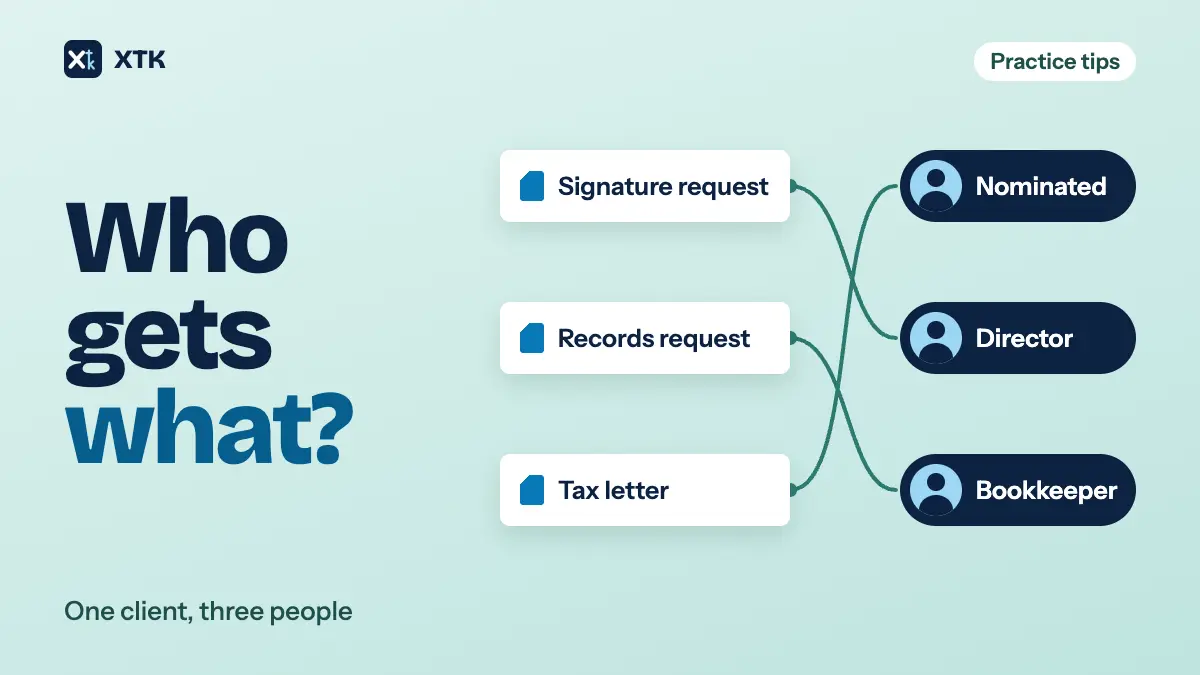
- Recipients: is each address the one this person reads, and the one they've told you to use for signing? The client record's primary email isn't always the right answer. Our article on which contact gets which document covers who should receive what.
- Signers: is everyone who has to sign on the request, and nobody who only needs a copy?
- Documents: is every document the final version, and is anything missing?
- Order: does anyone need to sign after someone else, such as your practice countersigning after the client?
- Fields: does every signer have somewhere to sign, and anything else you need them to fill in?
For a client who has recently changed address, or who has several, it is often worth a one-line email or call to confirm the address before a large request goes out. That takes less time than a single rebuild.
How XTK handles a sent request
XTK is a browser extension that adds a Documents tab to each client in Practice Manager, with e-signatures built into it. It has the same limit as Xero's packs: once a signature request is sent, its recipients, documents and fields are locked. Here is what you can do instead.
- “Resend link”, in the request's Status dialog, emails a fresh signing link to a signer who has been sent the request but hasn't signed or declined. It goes to the same address as before. The new link lasts 30 days, the old one stops working, and the resend is recorded in the request's history.
- “Void request”, in the request's ⋮ menu or the Status dialog, cancels a request that is Sent or In progress. Every signing link stops working, the request is marked Voided, and it stays in the client's Signatures list with its history. It can't be undone.
- A draft is different. Until you send, you can change recipients, documents and fields freely, and “Delete draft” removes it altogether.
- Your original PDFs are never changed by a request, and they stay in the client's folder. A replacement request starts from the same files, so you pick them again rather than uploading them again.
- A signer who spots a mistake can choose “Decline to sign” and give a reason. That stops the whole request, and the reason appears in the Status dialog.
What XTK doesn't do is charge per request. It is $59 USD a month for the whole practice after a 30-day trial, so a voided request and its replacement cost nothing extra. The pricing page has the detail, and what your client sees shows the signing page, including what a voided link looks like.
The short version
- No tool lets you edit a sent signature request, and Xero has said editing sent packs isn't on its immediate roadmap.
- Didn't arrive, or expired: resend to the same person.
- Wrong address, signer or document: cancel and send a new request.
- Tell every recipient yourself before the cancellation email lands.
- Update the client record before you rebuild, and name the replacement so it's clearly the new one.
- Keep requests small enough that one mistake doesn't cancel everyone's signatures.
- Check recipients, signers, documents, order and fields before every send.
Frequently asked questions
Can I change the email address on a Xero document pack after sending it?
No. A sent document pack can't be edited, so a new address means cancelling the pack and sending a new one, and the recipients receive Xero's cancellation email. Practices have asked Xero for the ability since 2022. The idea had 127 votes in September 2026, and Xero said in March 2026 that editing sent packs is not on its immediate roadmap.
Does cancelling a signature request notify the client?
Yes, in both Xero's document packs and XTK. Neither lets you switch the notice off or change its wording. Send the client your own short note first, saying the cancellation email is expected, the work itself is fine, and a new link is on its way.
Do people who already signed have to sign again?
Usually, yes. A multi-signer request produces its signed document only when everyone has signed, so cancelling part-way leaves no finished copy, and the new request needs everyone's signature again. Splitting independent documents into separate requests limits how many people that affects.
What's the difference between resending and voiding in XTK?
“Resend link” emails a fresh 30-day link to a signer who hasn't responded yet, at the same address, and retires the old link. “Void request” cancels the whole request, kills every link and emails every recipient that it was cancelled. Resend when the right person hasn't acted. Void when anything on the request is wrong.
Can I delete a cancelled signature request?
Not in XTK. A voided request stays in the client's Signatures list as a record of what was sent and to whom, and the list's filters let you show only In progress or Completed requests when you don't want to see it. Only drafts, which were never sent, can be deleted.